Configuration and update software

FFair_Link

Connect your simulator, devices and aircraft profiles from one control application.

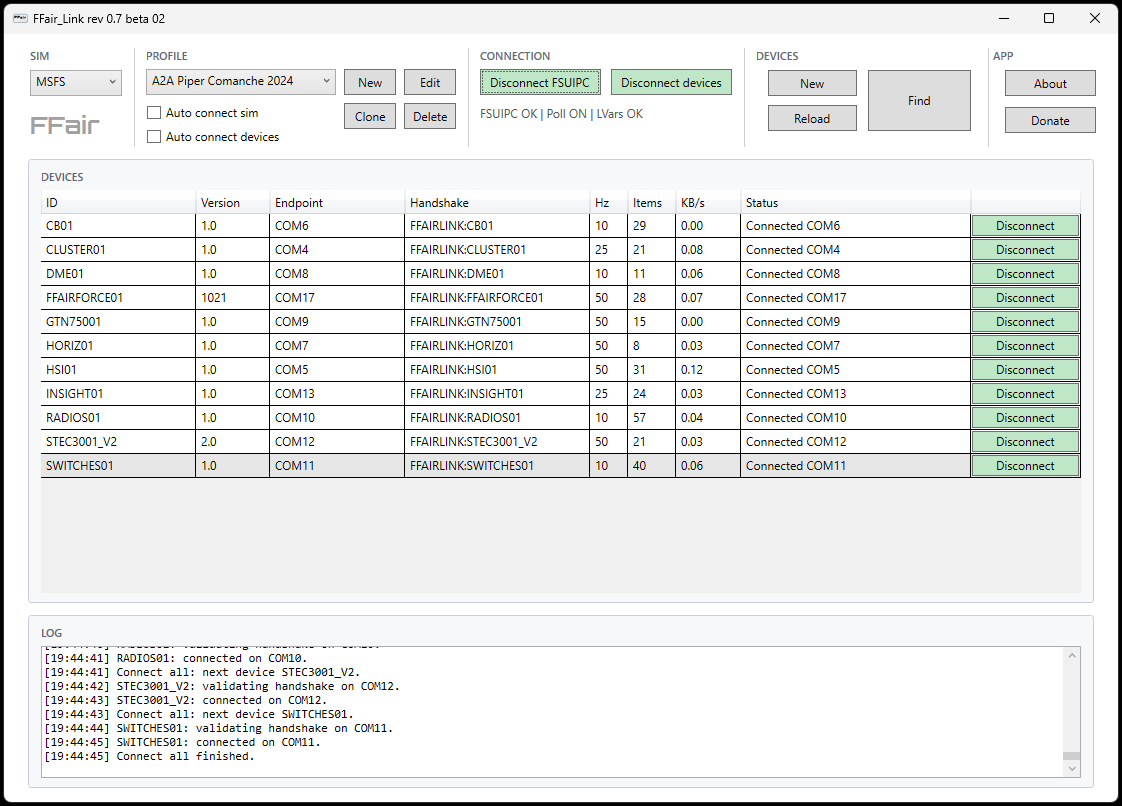
FFair_Link application interface showing connected simulator device profiles

What it does

FFair_Link is the control point between your flight simulator and your FFair devices. It helps you connect devices, load aircraft profiles and check what is happening in the system from one place.

FFair_Link

MSFS

Profile 1 (Example Cessna 172)
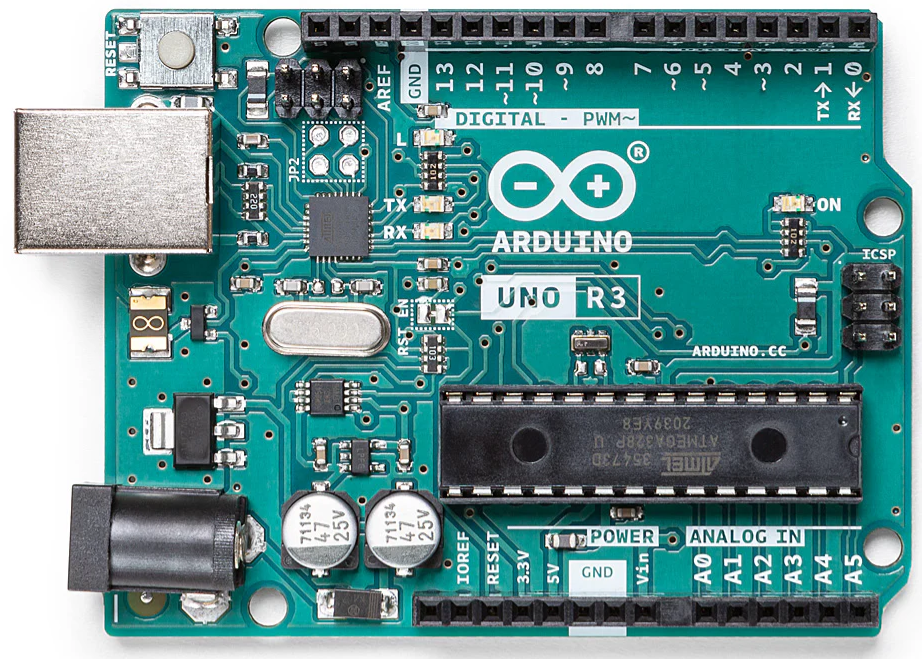
Arduino Uno board Device A (Example Arduino Uno) Switches · LEDs · Encoders
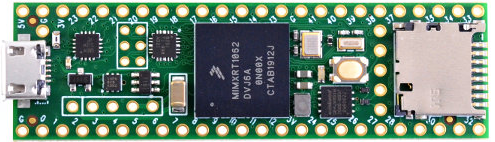
Teensy 4.1 board Device B (Example Teensy 4.1) Pots · Servos · Sensors
Profile 2 (Piper Comanche)
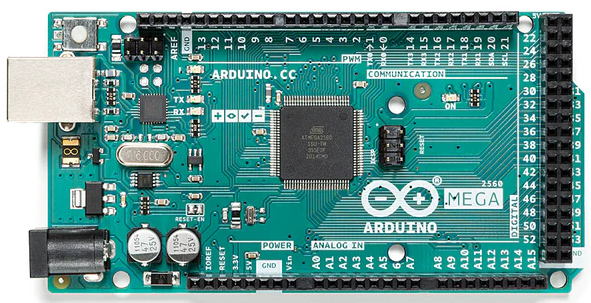
Arduino Mega board Device C (Arduino Mega) Motors · Steppers · Switches
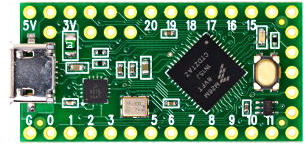
Teensy LC board Device D (Teensy LC) LEDs · Buzzers · Inputs
X-Plane

Profile 1 (Cessna 172)
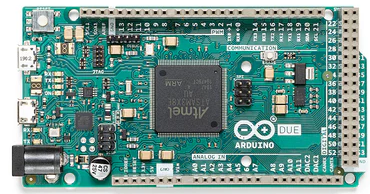
Arduino Due board Device A (Arduino Due) Switches · Pots · LEDs
Teensy 4.0 board Device B (Teensy 4.0) Encoders · Motors · Sensors

Main workflow

Choose the simulator

Select MSFS or X-Plane mode.

MSFS uses FSUIPC7. X-Plane uses the local Web API available in X-Plane 12.4.0 or newer.

Load an aircraft profile

The profile loads the devices used by a specific cockpit for the selected simulator.

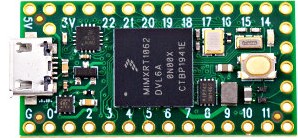
Each device is a Teensy, Arduino or compatible microcontroller that reads and sends data through FFair_Link.

Create and connect your devices

FFair_Link can connect compatible devices using Serial or UDP communication.

Each microcontroller needs its own custom code to talk with FFair_Link and manage the controls chosen by the user.

This can include switches, potentiometers, LEDs, servos, motors, stepper motors, encoders, absolute encoders, buzzers and other programmable inputs or outputs.

Work with items

An item is basically a message between the simulator and a device.

A sim-> item reads a simulator value, such as a dataref, offset or LVar, transforms the data if needed and sends it to the Arduino or Teensy.

A com/udp-> item receives a message from the device and uses it to write a dataref or LVar, update an offset or trigger a simulator command.

Tools inside the app

Device editor

Create and edit the devices used by your setup. Each device can contain multiple items linked to simulator data or commands.

Item editor

Configure individual inputs, outputs and values. Items can use expressions when a value needs to be converted or adapted.

Simulator browsers

Browse MSFS offsets and LVars, or X-Plane datarefs and commands, directly from the application while building a profile.

Logs and traffic view

Use logs and traffic information to see what is connected, what is being sent and where a communication problem may be happening.

System requirements

FFair_Link is a Windows desktop application based on .NET 8 / WPF. Windows 10 or Windows 11 is recommended. For MSFS, FSUIPC7 is required. For X-Plane, use X-Plane 12.4.0 or newer with the local Web API available.

Downloads

Current version: 0.7. The final build is not published yet.

Software

The planned Windows package is FFair_Link_0.7_win-x64.zip. It will be published when the final build is ready.

Manuals

User manual, installation guide, quick start guide, troubleshooting guide and examples PDF will be added here.

Arduino files

Example or device-specific .ino files will be available for supported FFair hardware.

Aircraft profiles

Ready-to-use simulator profiles will be grouped here by aircraft and simulator.

Open GitHub dist

Support

Need help with setup, calibration or compatibility?

Contact support ffairsystem@gmail.com