MSFS
Profile 1 (Example Cessna 172)
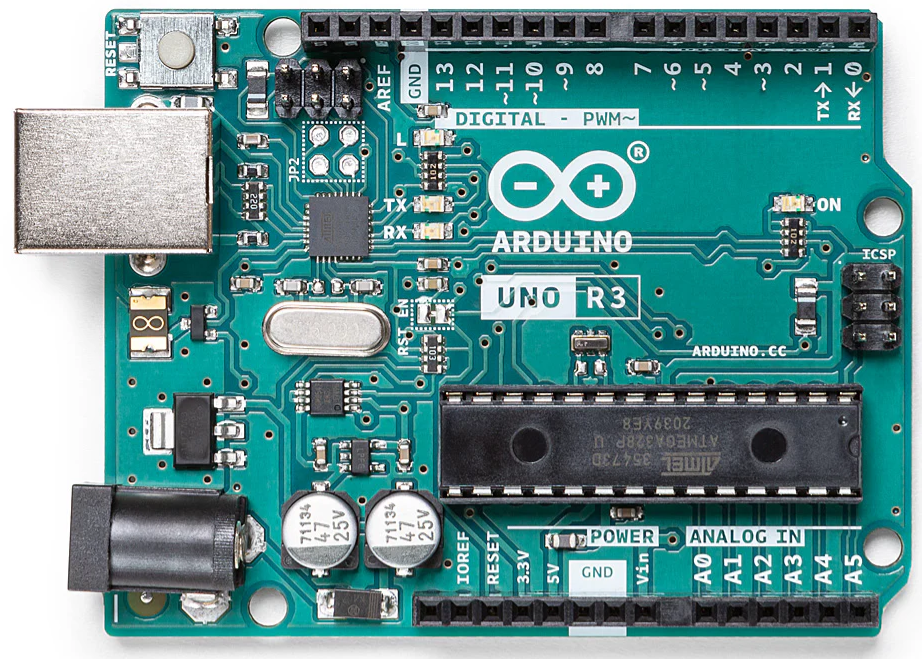 Device A (Example Arduino Uno)
Switches · LEDs · Encoders
Device A (Example Arduino Uno)
Switches · LEDs · Encoders
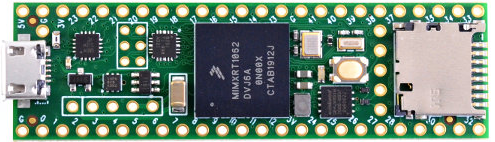 Device B (Example Teensy 4.1)
Pots · Servos · Sensors
Device B (Example Teensy 4.1)
Pots · Servos · Sensors
Device A (Example Arduino Uno)
Switches · LEDs · Encoders
Device B (Example Teensy 4.1)
Pots · Servos · Sensors
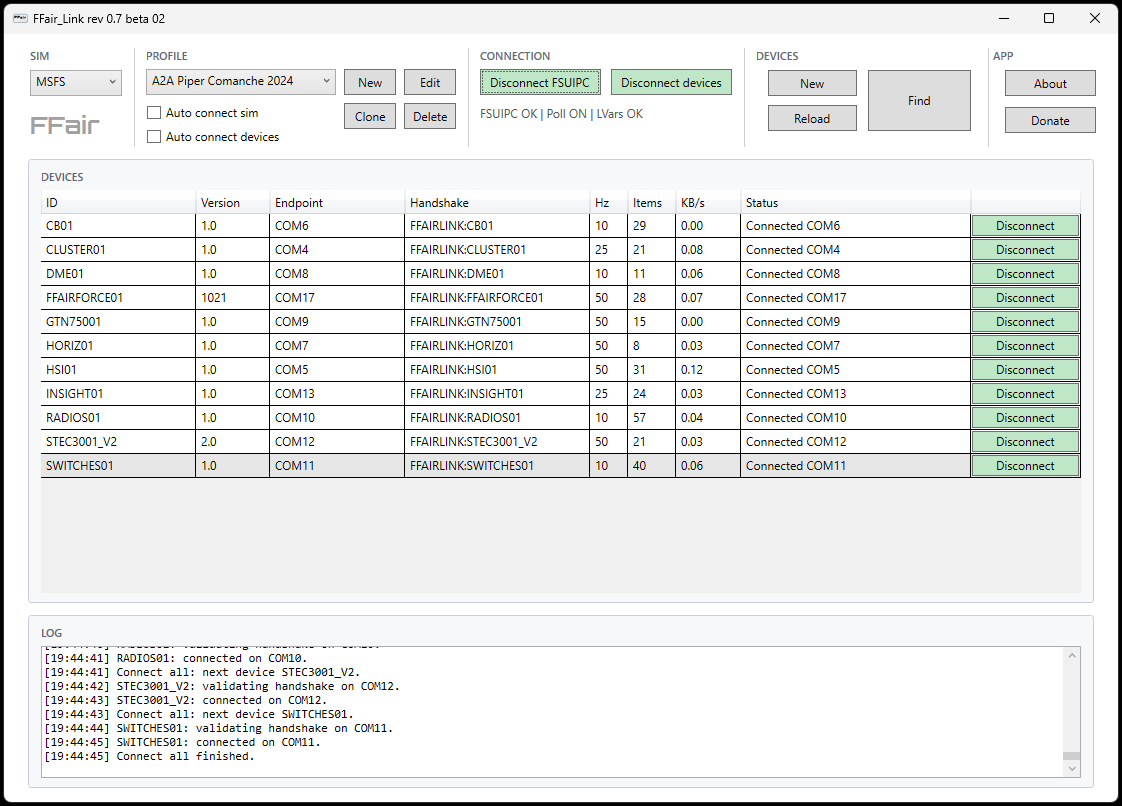
Profile 2 (Piper Comanche)
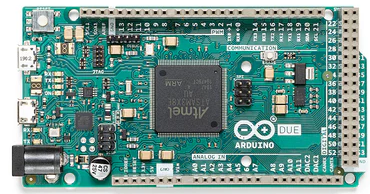
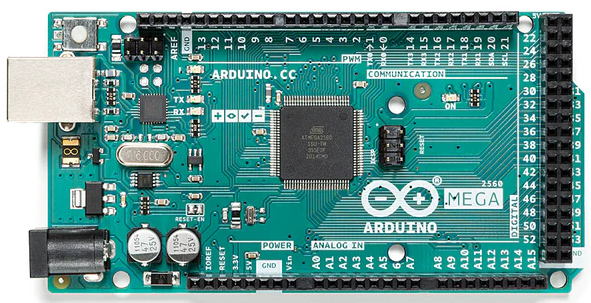 Device C (Arduino Mega)
Motors · Steppers · Switches
Device C (Arduino Mega)
Motors · Steppers · Switches
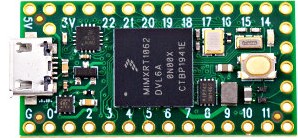
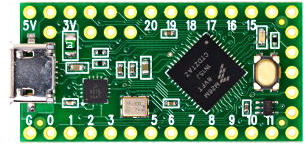 Device D (Teensy LC)
LEDs · Buzzers · Inputs
Device D (Teensy LC)
LEDs · Buzzers · Inputs
Device C (Arduino Mega)
Motors · Steppers · Switches
Device D (Teensy LC)
LEDs · Buzzers · Inputs